
2.9 KiB
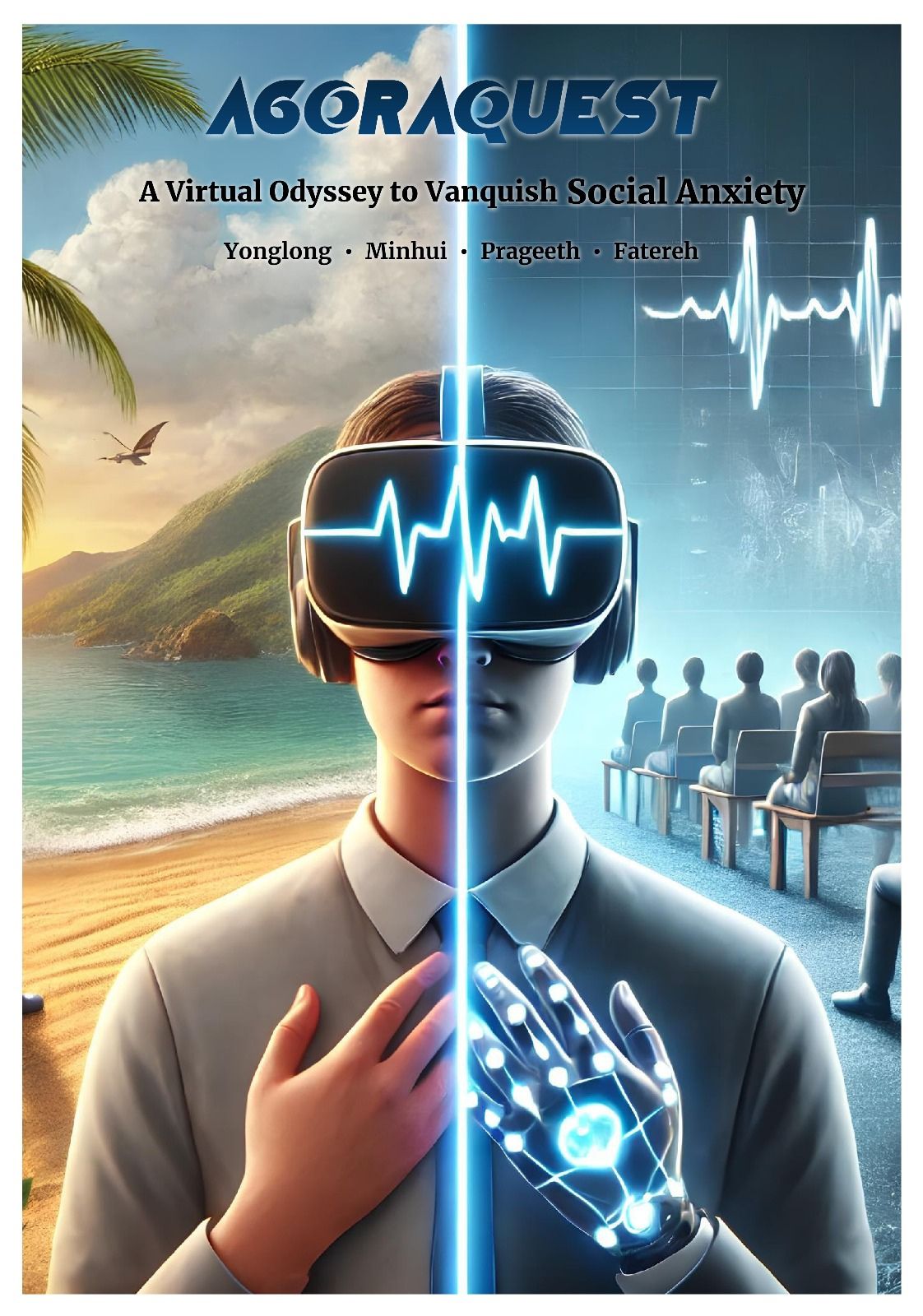
Agoraquest-A Virtual Odyssey to Vanquish Social Anxiety.
Introduction
Agoraquest is an educational and mental health Virtual Reality (VR) experience that lets you explore social anxiety in Virtual world. This project aims to provide a unique experience for users to overcome social pressure and anxiety by gradually adapting to the discomforts and following guided instructions when needed.
However, it is important to provide a secure and private environment where the user can safely confront their social anxiety at their own pace. In our virtual reality application, we created a virtual world filled with crowded people as in real life, where the user feels uncomfortable and unsafe. By identifying when the user feels overwhelmed or anxious by sensor-based inputs and a button aligned with real-world hardware and virtual-world visuals for panicked situations, the VR experience will provide expert-guided practices or a calming scene of the user’s choice to overcome the fears at a personalized pace. The proposed solution, "Agoraquest," is valuable because it provides the gap of how people with social anxiety feel in crowded environments.Simulating the feeling of people with social anxiety not only understand their behavior better but also guide to the medical treatment in virtual world.
Design Process
At the beginning of our project, we did some literature research about VR education in mental health people. At the same time, we discussed different scenarios in the group and decided on the final topic of our project. After that, we did a brainstorm about our project concept and selected an engaging and immersive name for our project.
System description
Features
Immersive experiences for social anixiety in the virtual world. A speciall virtual experience. Poke interaction: to press the button Ray interaction to choose different scene Grab interaction to interact with different objects Vibration feedback is to attach the hand in real life, while the visual vibration watch shows in the virtual world.
Installation
This section outlines the follow steps to set up your environment for developing VR applications.
Usage
To use Agoraquest and interact with its features, follow the guidelines below:
- Start Agoraquest on your VR headset. Make sure that the headset uses hand-tracking.
- Read instructions and use Ray's interaction to choose the options in the menu.
- Get ready by pressing the "Confirm" button to start the experience journey.
- You will be place in the "Calming Scene", after one minuter you will move to the main scene and interact with other objects
- When you are in main scene, you can see your heart rate with a virtual watch.